 Pantomime
Get the bigger picture.
Triage mail, plan your calendar, and work through follow-ups with a full desktop workspace.
Your account is ready. Open Pantomime to sign in and connect your Google account.
Back to PantomimeYour workspace, wherever work goes.
Gmail, calendar, tasks, and contacts. Together on your desktop. With you on your phone.
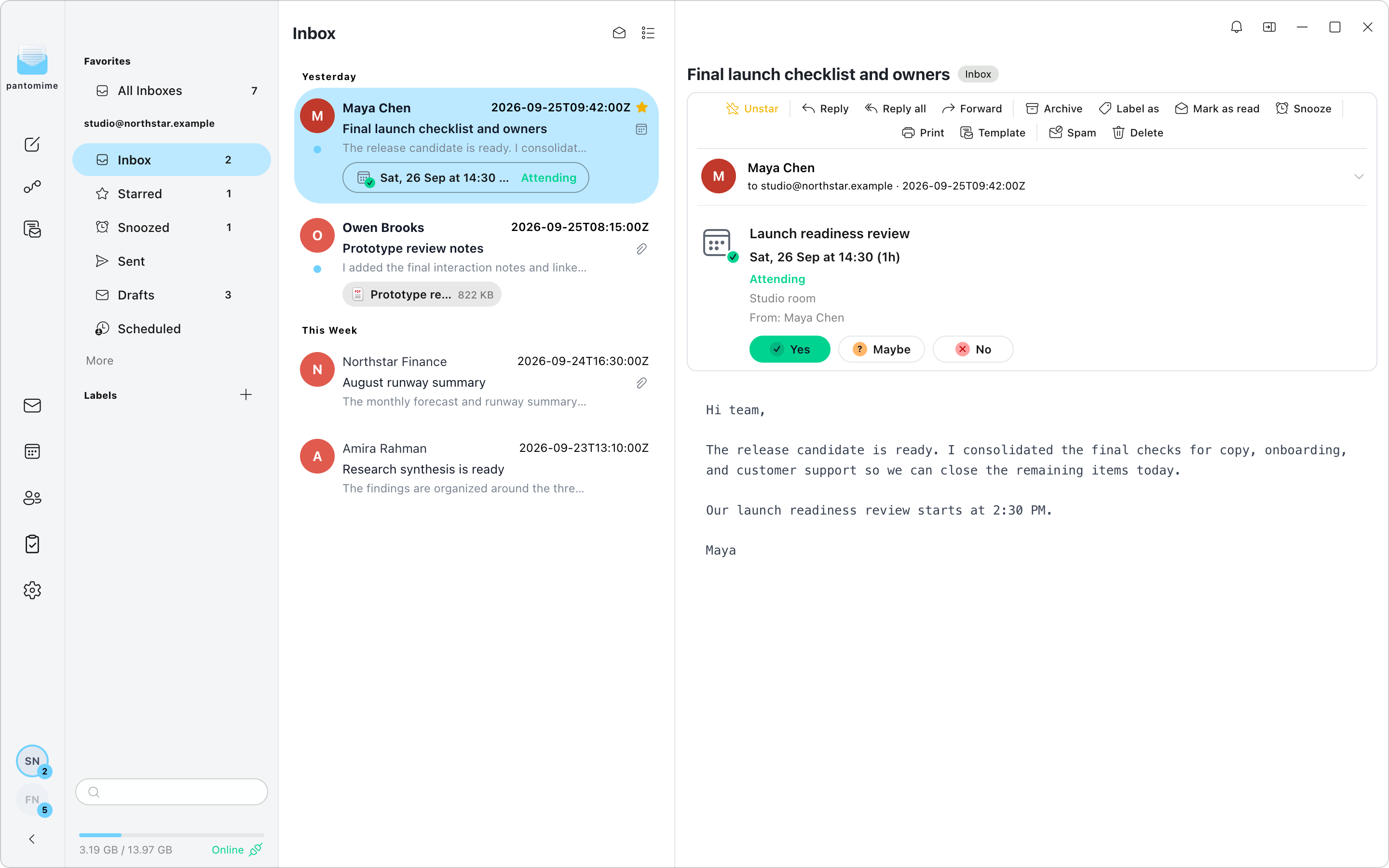
Your messages, meetings, follow-ups, and people belong together. Keep them close without living in a row of browser tabs.
Keep work and personal mail distinct, or bring them together in All Inboxes. Organize your messages without losing the bigger picture.
Offline access depends on the content already cached on your device.
Space to focus at your desk. A lighter way to keep up when you leave it. The same Google accounts connect both sides of your day.
Triage mail, plan your calendar, and work through follow-ups with a full desktop workspace.
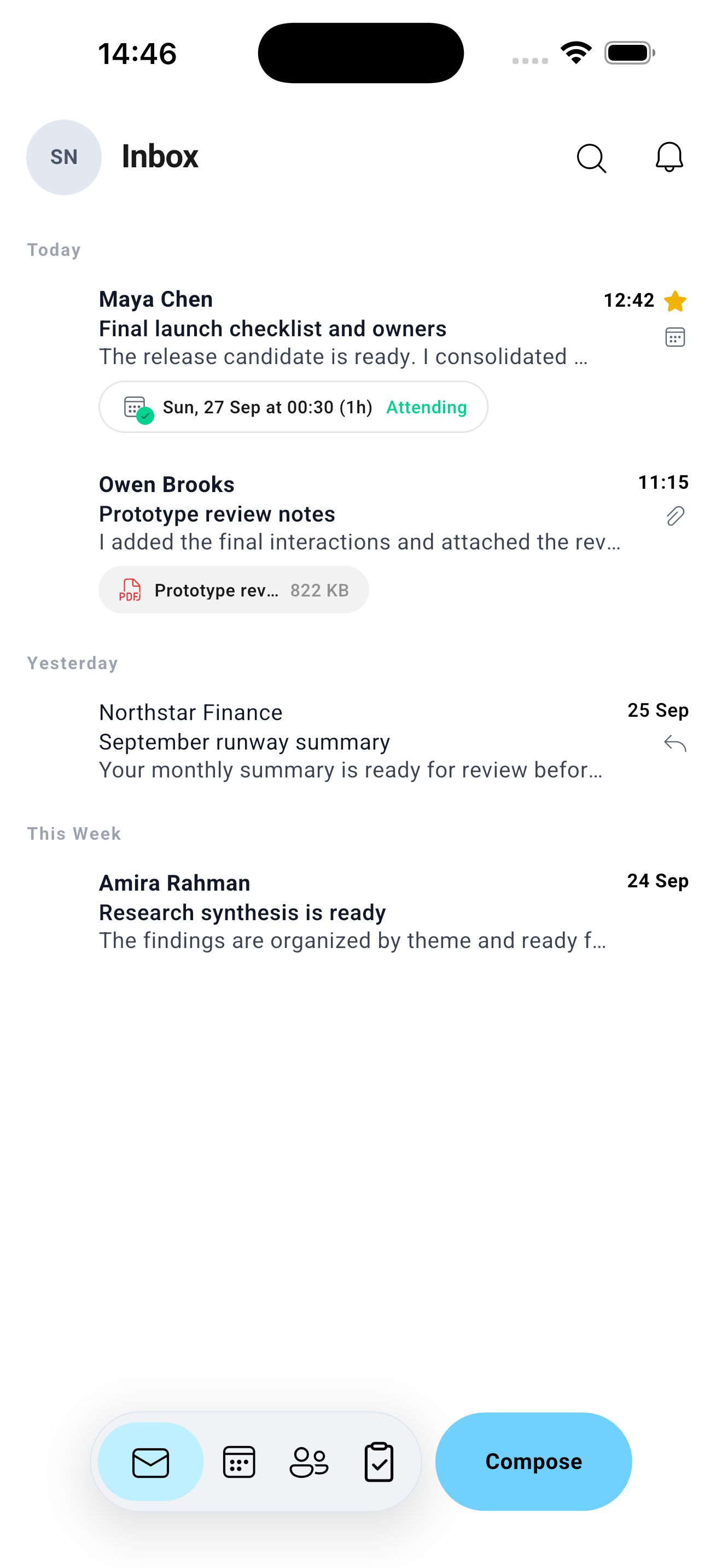
Read and reply, check your calendar, and act on notifications from your phone.
Message changes sync through Gmail. Snoozed mail and scheduled sends use connected cloud services.
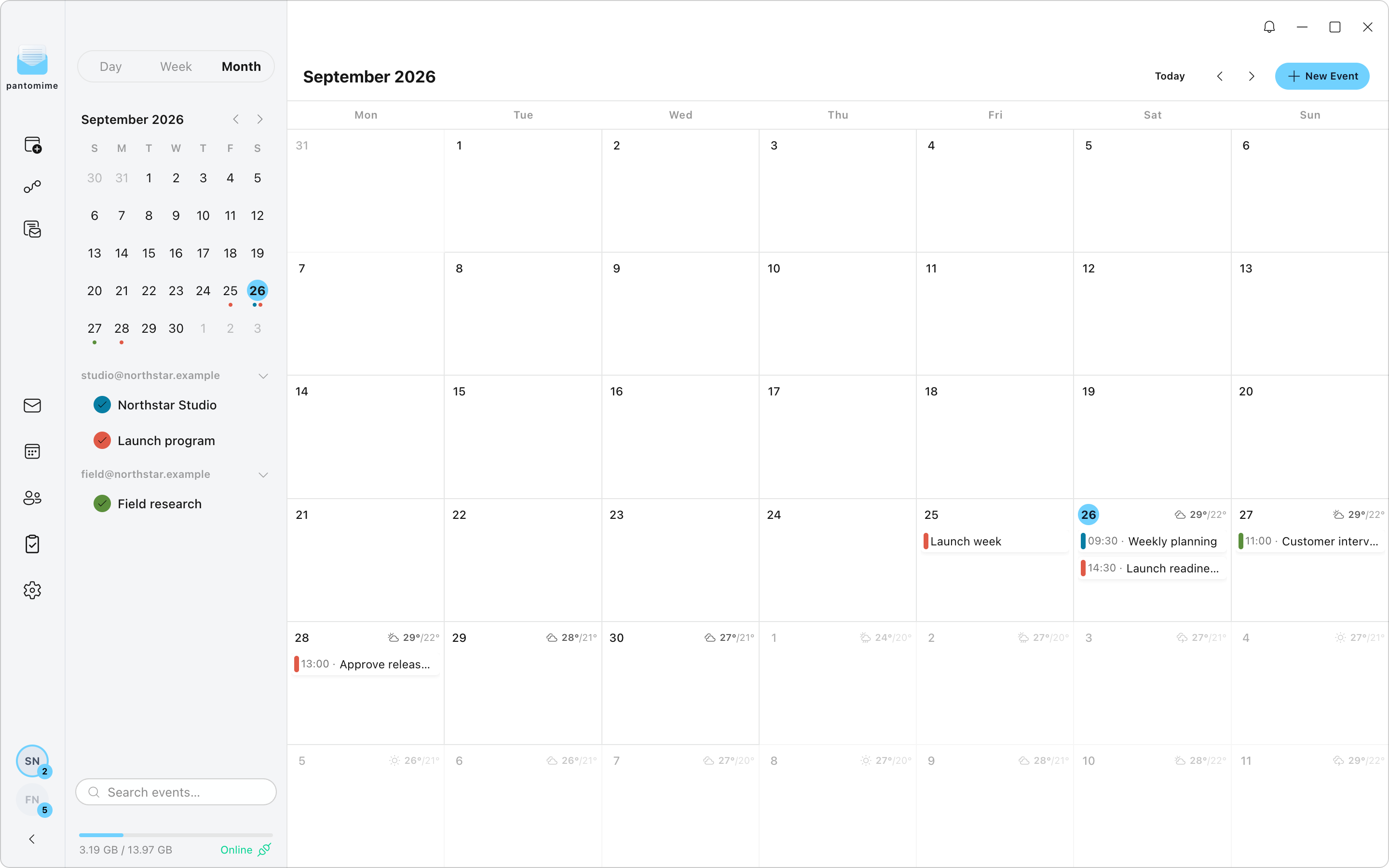
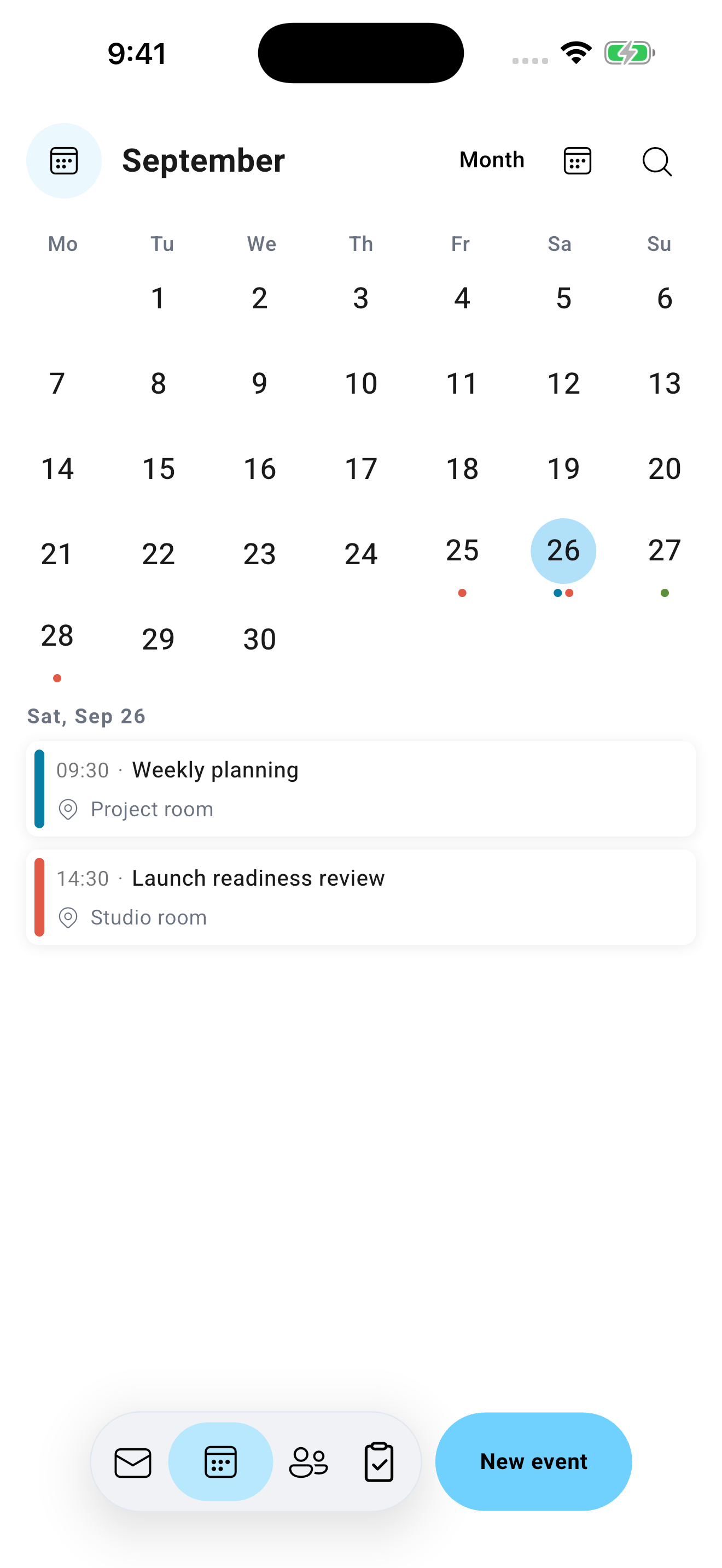
Calendar, mail, tasks, and contacts on desktop and mobile. Interfaces and feature availability vary by platform.
From the first draft to the next follow-up, thoughtful tools help keep small jobs from becoming a second inbox.
Rich compose, reply-all, forwarding, drafts, and account-specific signatures. Reusable email templates are available on desktop.
Snooze a message until it is useful again. See its return time alongside the rest of your mail.
Schedule a message, review pending sends, and cancel it before it leaves.
Desktop Flows bring rules and automation into your mailbox, helping organize routine messages.
Desktop featureOpen attachments, recognize calendar invitations, and respond without leaving the message.
Use Pantomime on desktop and mobile in English, Hebrew, Spanish, French, German, Brazilian Portuguese, Arabic, or Russian. Hebrew and Arabic include right-to-left layouts.
Keyboard-friendly desktop triage, mobile swipe actions, and light and dark app themes.
Specific safeguards, clear data boundaries, and no advertising business built around your inbox.
CASA evaluates application security for access to restricted Google API scopes. It is part of Pantomime's approach to handling Google user data responsibly.
An assessment covers its reviewed scope. It is not a Google endorsement or a guarantee that any application is risk-free.
Sign in through Google OAuth with PKCE. Pantomime does not ask for your Google password.
Cached mailbox content is encrypted at rest. Previously cached messages can remain available without a connection.
Your subscription supports the product. Your messages are not an advertising profile.
Scheduled-send content is stored temporarily. Snooze and mobile notifications use cloud services; iOS notification support includes an encrypted server-side token copy. Details are in our privacy policy.
Desktop releases for macOS, Windows, and Linux. Mobile apps for iOS and Android, with availability listed below.
Apple Silicon and Intel
Download Desktop releaseWindows installer
Download Desktop releaseDEB, RPM, and AppImage
Download Desktop releaseiPhone
Release details Join iOS testingAndroid phones
Release details Join Android testingMobile store links will appear here when their public releases are available. Feature availability varies by platform; Flows automation is available on desktop.
Mail, calendar, tasks, and contacts. Unlimited connected Gmail accounts, with up to five devices on the standard plans.
Or $45 a year. Start with a 14-day free trial.
No credit card required for the trial. See pricing for billing, cancellation, and refund terms.
Pantomime supports Gmail and Google Workspace accounts, including multiple connected accounts. Outlook, Exchange, and general IMAP accounts are not currently supported.
The desktop and mobile apps support English, Hebrew, Spanish, French, German, Brazilian Portuguese, Arabic, and Russian. Choose your language in General settings, or follow your system language. Hebrew and Arabic use right-to-left layouts. Changing the app language does not translate your emails or rename your custom labels.
You can access mailbox content already stored in the local cache. Messages or attachments that have not been downloaded require a connection. Sending and synchronizing changes depend on reconnecting to the relevant services.
Mail changes synchronize through Gmail, and calendar, contact, and task data use their Google services. Pantomime also uses cloud services for cross-device snooze and scheduled send. Changes synchronize when your devices are connected; connection quality and provider availability can affect timing.
Mail, calendar, tasks, contacts, snooze, and scheduled send are available on desktop and mobile, with interfaces designed for each device. Desktop also includes Flows automation and reusable email templates. Check the release notes for platform-specific additions.
Permissions allow the features you connect: reading and organizing Gmail, sending messages, managing calendars, contacts, and tasks. You authorize access through Google and can revoke it through your Google account. Our privacy policy describes the data and how it is used.
Received message bodies are cached locally rather than uploaded as a server-side mailbox. Scheduled-send content is a limited cloud-storage exception. Notifications, snooze, and other connected features have additional processing described in the privacy policy, including an encrypted iOS token copy.
Bring your Google accounts into Pantomime.